Jev playground
Jev playground: run a pattern in Studio.
No API key required for the fixture. Edit state and questions, draw Choice / Score / Noul bars, copy curl. Paste a TypeSafe key only if you want a live call — if the browser is blocked by CORS, Studio stays in demo mode. Not a chatbot.
curl · api.typesafe.ai
curl https://api.typesafe.ai/v1/systemone \
  -H "Authorization: Bearer $TYPESAFE_API_KEY" \
  -H "Content-Type: application/json" \
  -d '{
  "model": "jev-latest",
  "state": {
    "ticket": {
      "subject": "Can'\''t log in",
      "body": "I cannot log in. The password reset email never arrives. I'\''ve tried twice today.",
      "channel": "email",
      "plan": "pro"
    }
  },
  "questions": {
    "department": {
      "type": "choice",
      "instructions": "Which department should own ticket.subject and ticket.body?",
      "criteria": {
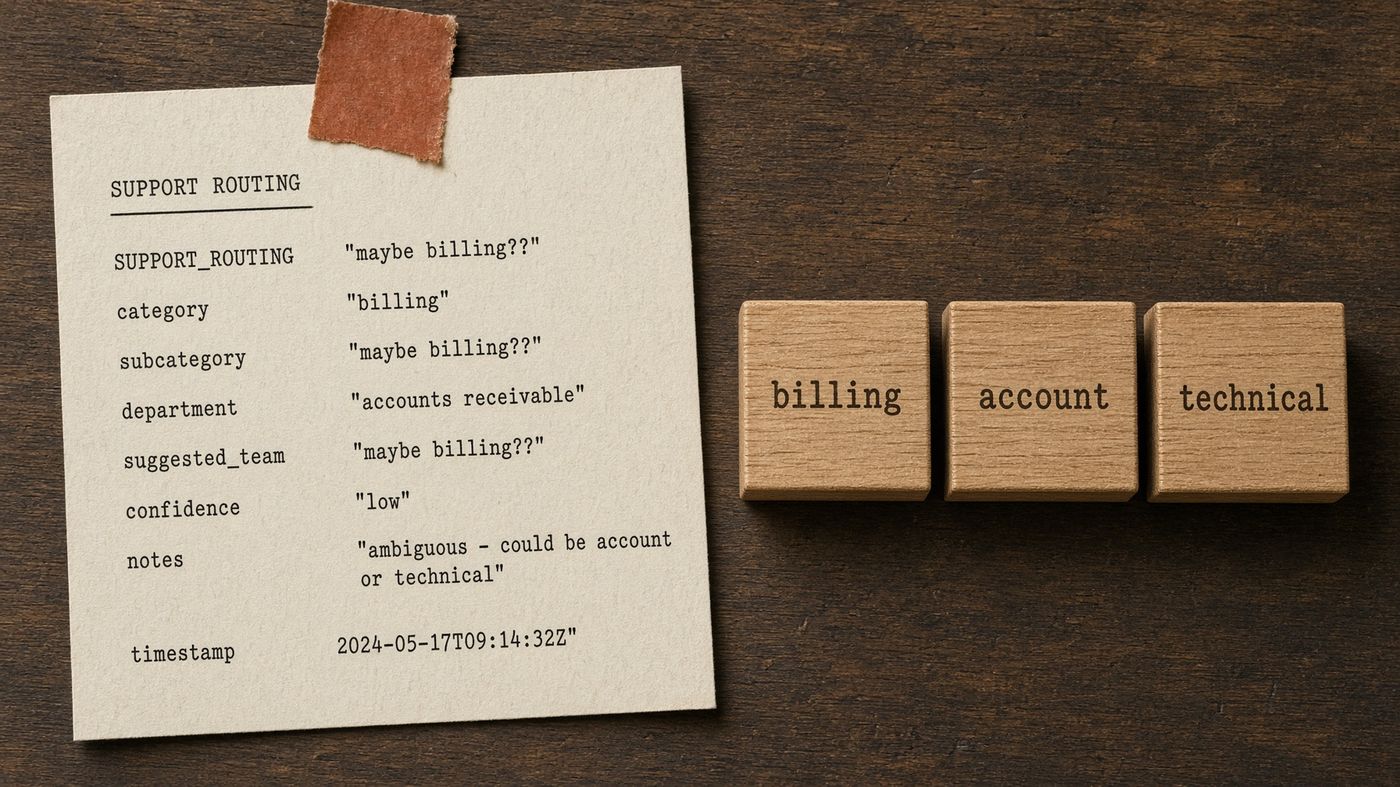
        "account": "Login, password reset, identity, 2FA, or access to an existing account",
        "billing": "Charges, invoices, refunds, subscriptions, payment methods",
        "technical": "Product bugs, outages, integrations, API or SDK errors",
        "sales": "Pricing, upgrades, new purchases, or a requested demo",
        "other": "Does not fit the departments above"
      }
    },
    "is_urgent": {
      "type": "noul",
      "instructions": "Does this ticket convey operational urgency that should jump the normal queue?",
      "criteria": {
        "true": "The customer is blocked from using the product, or reports an outage",
        "false": "The request can wait in the normal queue"
      }
    }
  }
}'
What this Jev playground is
Jev Studio is the Jev playground on this site. It exists so you can see a Choice distribution, a Score on a rubric, and a Noul probability without standing up a backend. Jev Studio is not a chatbot playground. There is no transcript, no system prompt box, and no generated email. You edit JSON state and typed questions. You get bars. No API key is required for the fixture.
Teams searching for a “Jev playground” or “System One demo” usually want two things: proof that the schema is paste-ready, and a curl they can drop into their own environment. Jev Studio does both. The official model remains TypeSafe Jev on jev-latest. Jev Studio does not host that model. Jev Patterns is not affiliated with TypeSafe AI.
How to use Jev Studio
- Pick a pattern from the list. The URL becomes
/studio?pattern=slugso you can share a deep link. - Edit state so it looks like your ticket, chunk, form, or tool result. Keep keys stable.
- Edit questions only if your enum differs. Criteria is the answer space. Off-list keys cannot win a Choice.
- Click Run demo. Jev Studio draws the fixture for that pattern — the same shape the live API returns, with canned probabilities so the UI is honest about being a demo.
- Copy the request JSON or the curl. Thresholds still belong in your code, not in this browser.
Demo mode versus a live TypeSafe key
Jev Studio defaults to demo mode. That is intentional. A marketing site should not spend someone else’s TypeSafe quota, and it should not ask you to register for a sandbox we do not operate. If you already have a TypeSafe API key, you may paste it. Jev Studio keeps it in localStorage on this origin only, then attempts POST https://api.typesafe.ai/v1/systemone.
Browsers often block that origin with CORS. When they do, Jev Studio says so and draws the fixture anyway. A 401 is the same fallback. Do not treat a demo bar as a production calibration. Use Jev Studio to learn the shape; use your own labels to set 0.75 versus 0.9.
Who Jev Studio is for
Engineers evaluating TypeSafe Jev who need to see Choice / Score / Noul before they open a billing account. Agent authors comparing agent tool selection to function calling. RAG owners who want to feel a chunk Score. Trust and safety people who want parallel Nouls without a hosted moderation UI. If you need a conversation, you need a different product. Read when not to use Jev.
What Jev Studio will not do
Jev Studio will not save your edits to a server, share them with another browser, or spend a pooled TypeSafe quota. It will not draft an email next to the bars. It will not hide demo probabilities as live ones: the mode label on the result rail says demo or live. If you need a shared sandbox for a team, run Jev in your own account and keep this page as the schema browser.
Keyboard: the pattern picker is a labeled select. JSON editors should stay readable on a phone; if a question blob wraps badly, copy it into your editor instead of fighting the textarea. Copy buttons have a fallback when the clipboard API is blocked. Accessibility of the bars: each answer is also available as numbers in the rail, not only as a graphic.
Start from the Jev Patterns catalog if you do not yet know which schema to load. Read Choice, Score, Noul if the editors look alien. Compare Jev vs JSON mode if you arrived from structured-output docs. Need a key? Where to call Jev.
Next
After the fixture
Jev playground FAQ
- Is Jev Studio a Jev playground?
- Yes. This page is the Jev playground on jevpatterns.com: load a schema, edit state and questions, see Choice / Score / Noul bars. It is not a chatbot. No API key is required for the fixture.
- Do I need a TypeSafe API key to try Jev?
- No. The playground draws fixture bars with no key. Paste a TypeSafe key only if you want a live call. This site does not issue keys.
- What is Jev Studio?
- Jev Studio is the interactive runner on jevpatterns.com. You load a Jev Patterns schema, edit state and questions, and draw Choice / Score / Noul bars from a fixture. No backend is required.
- Does Jev Studio call api.typesafe.ai?
- Only if you paste a TypeSafe API key. Jev Studio stores that key in this browser. If the live POST fails (CORS or 401), Jev Studio stays in demo mode and uses the fixture.
- Do I need to register to use Jev Studio?
- No. Jev Studio has no accounts and no quota. Demo fixtures always run. This site does not issue TypeSafe keys.
- Is Jev Studio a chatbot playground?
- No. There is no chat transcript. Jev Studio shows typed answers and probabilities for System One questions.
- Can I copy a curl from Jev Studio?
- Yes. Jev Studio generates a curl against POST https://api.typesafe.ai/v1/systemone with model jev-latest. The snippet uses $TYPESAFE_API_KEY, not the value in the field.
- Which Jev Patterns can I load in Jev Studio?
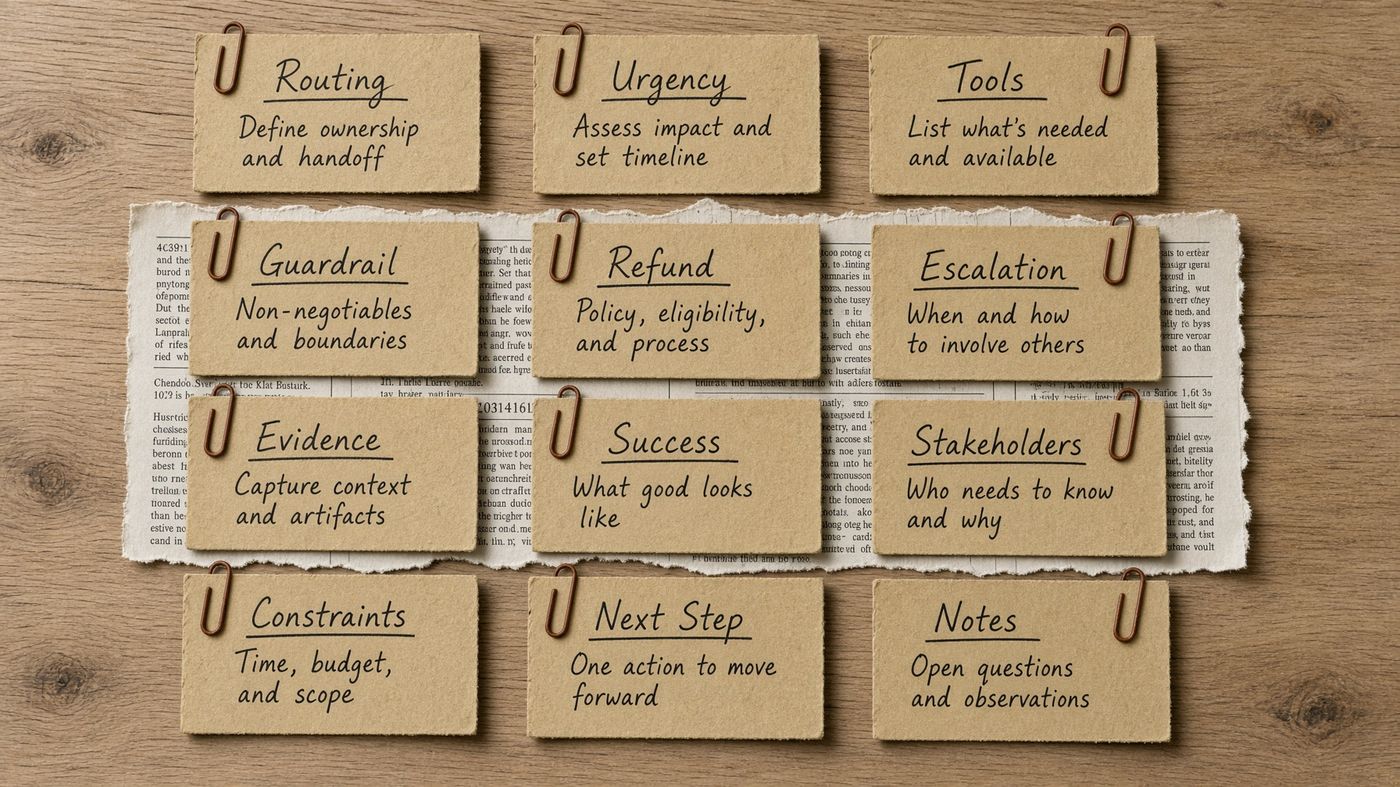
- All twelve: routing, urgency, tool selection, continue or stop, guardrails, moderation, lead intent, refunds, duplicates, escalation, RAG chunk relevance, and eval judge.
Last reviewed 16 October 2026. Independent of TypeSafe AI.